
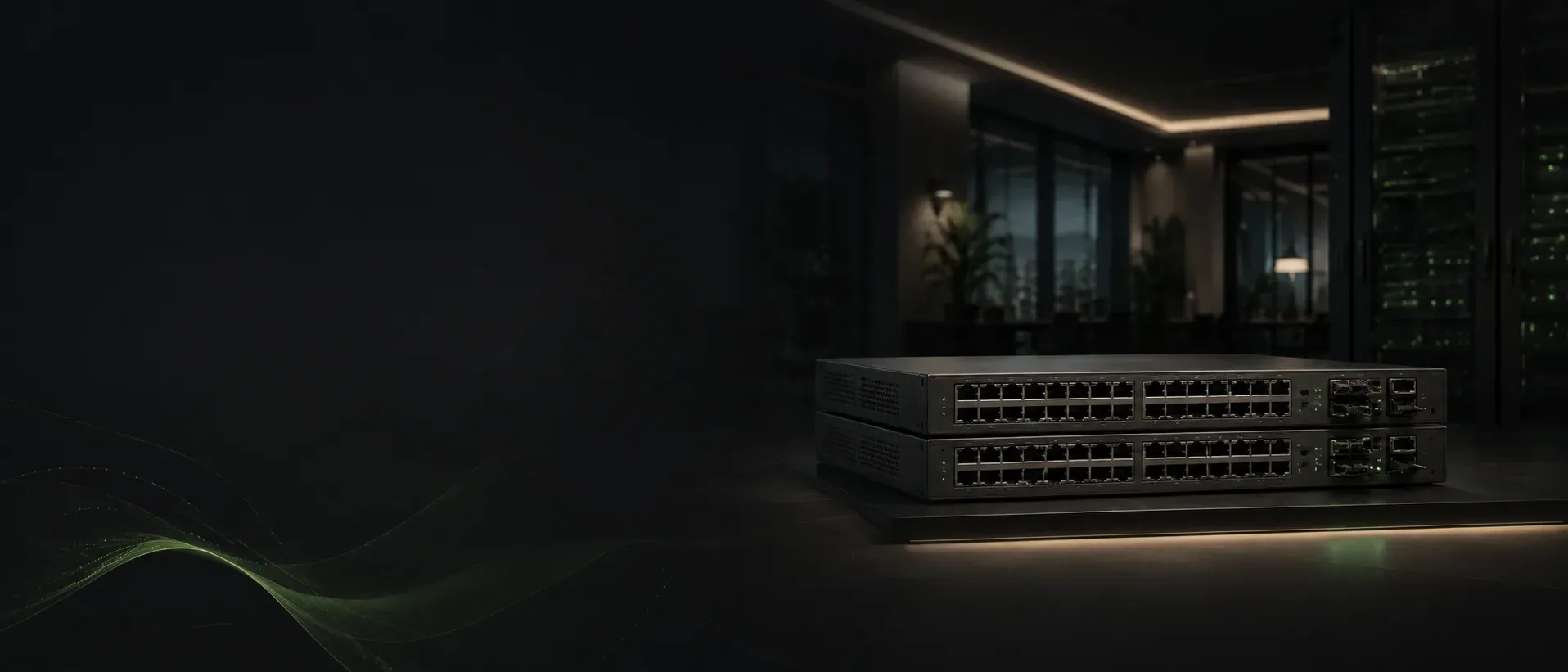
Juniper EX4100: What Buyers Should Know Before Deployment
The Juniper EX4100 is a cloud-ready access-switch family, not a single configuration — the right buy depends on the exact model, PoE class, uplinks, airflow, Virtual Chassis and Mist management.
Sekatron Market Intel
What is the Juniper EX4100?
The EX4100 is a fixed 1U Ethernet access-switch family running Junos OS.
Juniper positions the platform for enterprise branch, campus and data-center access networks, with cloud management through Mist, Wired Assurance visibility and support for campus-fabric architectures such as EVPN-VXLAN.
The core EX4100 family includes:
- EX4100-24T — 24-port non-PoE
- EX4100-24P — 24-port PoE+
- EX4100-48T — 48-port non-PoE
- EX4100-48P — 48-port PoE+
- EX4100-24MP — 24-port multigigabit PoE++
- EX4100-48MP — 48-port multigigabit PoE++
The standard T and P models focus primarily on 1 GbE access. The MP models add multigigabit access and higher-power PoE for devices such as modern wireless access points.
EX4100 models at a glance
| Model type | Access focus | PoE | Best fit |
|---|---|---|---|
| EX4100-24T / 48T | Standard 1 GbE access | No | Desktops, servers and non-powered endpoints |
| EX4100-24P / 48P | Standard 1 GbE access | PoE+ | Phones, cameras and standard access points |
| EX4100-24MP / 48MP | Multigigabit access | PoE++ | High-performance APs and higher-power edge devices |
The exact port mix varies by SKU, so buyers should not order based only on the name “EX4100.”
Uplink and Virtual Chassis capabilities
Standard EX4100-24P/T and EX4100-48P/T models provide four 1/10 GbE uplink interfaces and four 10/25 GbE interfaces that can be used for Virtual Chassis or network connectivity.
Juniper lists:
- 200 Gbps Virtual Chassis interconnect capacity
- Up to 10 members in a Virtual Chassis
- 164/328 Gbps switching capacity for 24-port models
- 188/376 Gbps switching capacity for 48-port models
Virtual Chassis allows multiple compatible switches to operate as a single logical system.
This can simplify management and increase resiliency, but buyers should still confirm:
- Exact model compatibility
- Required Junos version
- Correct DACs or optics
- Virtual Chassis port configuration
- Intended topology
- Whether dedicated stacking ports will also be needed as network uplinks
A port being physically capable of 25 GbE does not mean it is automatically configured for the intended role.
When the EX4100-24P or 48P makes sense
The PoE+ models are a practical fit when most endpoints require standard 1 GbE connectivity and up to 30 watts per access port.
Typical use cases include:
- IP phones
- Security cameras
- Standard Wi-Fi access points
- Badge readers
- Building sensors
- Branch and campus user access
Juniper documents PoE+ support on the EX4100-24P and EX4100-48P, with 920-watt power supplies used by these models.
The 48P can provide a substantial PoE budget, but buyers should calculate the total endpoint requirement rather than assuming all ports can simultaneously deliver maximum power.
PoE capacity depends on:
- Number of installed power supplies
- Switch system consumption
- Endpoint power draw
- Redundancy strategy
- Selected model
When the multigigabit EX4100 models matter
The EX4100-24MP and EX4100-48MP are more appropriate when the access layer needs more than 1 GbE or higher-power PoE.
That may include:
- Wi-Fi 6E or Wi-Fi 7 access points
- High-throughput workstations
- Advanced cameras
- Specialized IoT equipment
- Devices requiring PoE++
Juniper identifies the MP models as multigigabit PoE++ switches. The 24MP includes a mix of multirate and 1 GbE ports, while the 48MP provides a larger access-port footprint with selected multigigabit capability.
The important buying question is not only whether the switch says “multigigabit.”
Buyers should confirm:
- How many ports support 2.5, 5 or 10 GbE
- Which ports support the required PoE level
- Whether the existing cabling can support the intended speed
- Whether upstream links can carry the added traffic
Redundant power is a major advantage
Core EX4100 models support up to two power supplies.
With two compatible supplies installed, Juniper documents load sharing, redundancy and hot insertion or removal. A failed power supply can be replaced without shutting down the switch, provided the second supply is installed and operating.
This is valuable in environments where access-layer downtime affects:
- Wireless service
- Voice
- Cameras
- Security systems
- Operational endpoints
However, buyers must avoid mixing:
- AC and DC power supplies
- Different airflow directions
- Fans and power supplies with mismatched airflow
Juniper explicitly warns against those combinations.
Airflow direction should not be overlooked
EX4100 models can be configured for front-to-back or back-to-front airflow.
This sounds minor, but the wrong airflow direction can create cooling problems in an established rack.
Before purchasing, confirm:
- Rack cooling design
- Power-supply airflow label
- Fan-module airflow
- Whether replacement fans and PSUs match
- Whether the switch is intended for hot-aisle or cold-aisle orientation
Airflow mismatches are especially relevant in the secondary market, where components may have been replaced during the product’s previous deployment.
Mist Wired Assurance and cloud management
The EX4100 supports Juniper Mist Wired Assurance.
Juniper positions Wired Assurance as a way to improve access-layer visibility and operational insight through the Mist cloud. The platform can also participate in campus fabrics using EVPN-VXLAN.
The hardware can still run Junos OS as a traditional enterprise switch, but buyers should clarify the intended management model before deployment.
Questions to answer include:
- Will the switch be managed through Mist?
- Is an on-premises Junos workflow preferred?
- Are cloud subscriptions included in the project?
- Is EVPN-VXLAN part of the design?
- Are APIs or automation required?
- Does the operations team already understand Junos?
Buying the switch does not automatically complete the cloud-management or subscription side of the deployment.
What buyers often overlook
The most common mistake is comparing the EX4100 only by port count.
Two EX4100 switches may both have 48 ports while differing in:
- PoE support
- Multigigabit capability
- Power supplies
- Airflow direction
- Access-port speeds
- Included accessories
- Uplink use
- Virtual Chassis configuration
Buyers should also confirm whether the listing includes:
- Power supply
- Second redundant power supply
- Fan modules
- Rack ears
- Power cords
- Virtual Chassis cables
- Optics or DACs
- Console cable
A low chassis price may not represent the full deployment cost.
Is the EX4100 a good fit for Cisco-heavy environments?
Potentially, but the operational impact should be considered.
The EX4100 can provide capable access switching, but moving from Cisco IOS XE to Junos introduces differences in:
- Configuration syntax
- Monitoring
- Troubleshooting
- Automation
- Support workflows
- Licensing and cloud management
For organizations already standardized on Juniper and Mist, the EX4100 can fit naturally.
For Cisco-focused environments, the hardware may still be technically appropriate, but the operational cost of introducing another platform should be included in the decision.
Final takeaway
The Juniper EX4100 is a flexible enterprise access-switch family, not a single standard configuration.
Choose the T models for non-PoE access, the P models for standard PoE+ environments and the MP models when multigigabit access and higher-power PoE are required.
Before deployment, verify the exact hardware, power, airflow, uplink and management configuration — not only the model family.
Why it matters
The EX4100 offers a strong combination of enterprise access switching, high-speed uplinks, resilient power and cloud-ready management.
Its value depends on selecting the right SKU.
A standard PoE+ model may be sufficient for phones, cameras and conventional access points. A multigigabit PoE++ model may be necessary for newer wireless infrastructure. Redundant power may be essential at a critical site but unnecessary at a small branch.
The best purchase is not simply "an EX4100." It is the exact EX4100 configuration that matches the port, power, airflow, management and resiliency requirements of the deployment.
Key details
- Core EX4100 options
- 24-port and 48-port models · PoE+ and non-PoE versions · Multigigabit PoE++ versions · Four 1/10 GbE uplinks on standard models · Four 10/25 GbE Virtual Chassis or uplink ports · Up to 10 Virtual Chassis members · Mist Wired Assurance · EVPN-VXLAN campus fabric · Optional redundant power supplies
- Buyers should verify
- Exact SKU · Port-speed mix · PoE class and total budget · Installed power supplies · Airflow direction · Uplink requirements · Virtual Chassis accessories · Junos compatibility · Mist management and subscription needs · Included rack and power accessories
What buyers should consider
Before purchasing a Juniper EX4100, ask:
Are 24 or 48 access ports required?
Does the deployment need PoE+, PoE++ or no PoE?
How many multigigabit ports are actually required?
Are 10 or 25 GbE uplinks needed?
Will the switch join a Virtual Chassis?
Is a second power supply required for redundancy?
Does the airflow direction match the rack?
Will the switch be managed through Mist or traditional Junos tools?
Are subscriptions and support included?
What accessories are included with the hardware?
Sources
- EX4100 Line of Ethernet Switches Datasheet(opens in a new tab)Primary source
- EX4100 Models and Specifications(opens in a new tab)Primary source
- EX4100 Ethernet Switch Specs(opens in a new tab)Primary source
- EX4100 Power System(opens in a new tab)Primary source
- EX4100 Documentation(opens in a new tab)Primary source