
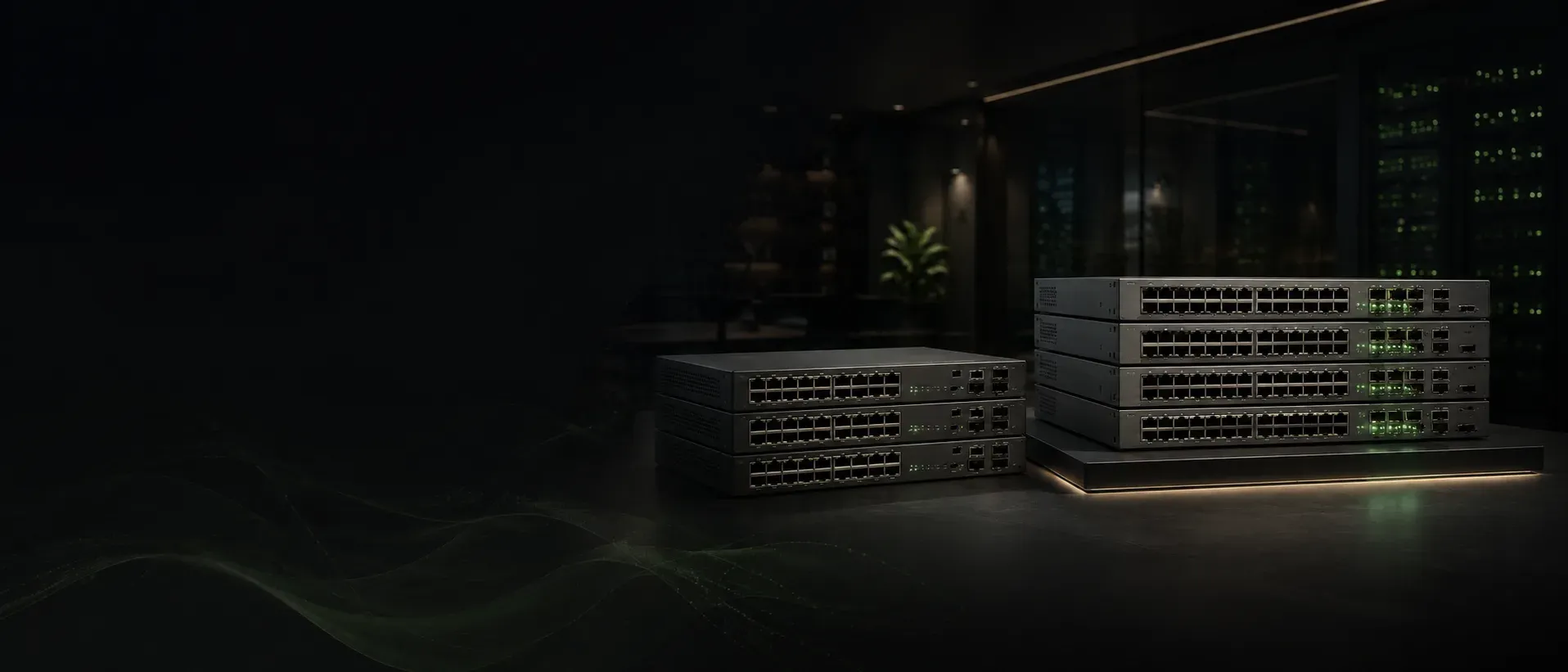
Aruba CX 6200 vs. 6300: Which Access Switch Fits Your Network?
Both run AOS-CX — the CX 6200 is the cost-controlled access choice, while the CX 6300 adds multigigabit density, up to 90W PoE, faster uplinks, bigger stacks and aggregation/core routing scale.
Sekatron Market Intel
Aruba CX 6200 vs. 6300 at a glance
| Area | Aruba CX 6200 | Aruba CX 6300 |
|---|---|---|
| Typical role | Branch and enterprise access | Access, aggregation, core and top-of-rack |
| Operating system | AOS-CX | AOS-CX |
| Stack size | Up to 8 members | Up to 10 members |
| Stacking bandwidth | Model-dependent; 10GbE front-plane VSF | Up to 400 Gbps on selected models |
| Access speeds | Primarily 1 GbE; selected modular options | 1G through 10G Smart Rate on selected models |
| Maximum PoE per port | Up to 60W on CX 6200M | Up to 90W on selected CX 6300 models |
| Uplinks | Primarily 1/10 GbE | Up to 10/25/40/50/100 GbE, depending on model |
| Routing scale | Standard access-layer routing | Broader enterprise routing and fabric capabilities |
| Best fit | Cost-controlled access deployments | High-density wireless, aggregation and growth-focused networks |
HPE positions the CX 6200 as a stackable access-switch family for branches, campuses and SMB networks. The CX 6300 is designed for a broader set of roles and offers up to 1.76 Tbps switching capacity, up to 400 Gbps stacking bandwidth and high-speed uplinks reaching 100 GbE on selected models.
What the two families have in common
Both switch families are built around AOS-CX.
That gives them a shared operational foundation, including:
- Aruba Central management
- Network Analytics Engine
- REST APIs
- Role-based segmentation
- VSF stacking
- AOS-CX command-line workflows
- Wired and wireless policy integration
- Automation and monitoring capabilities
This common platform can simplify operations for organizations that want one software experience across branch, access and campus infrastructure.
The difference is not that one family is “enterprise” and the other is not.
The real difference is how much scale, uplink capacity, power and routing capability the deployment requires.
When the CX 6200 may be the better fit
The CX 6200 is often the more practical choice when the switch will remain primarily at the access layer.
Common use cases include:
- Branch offices
- Standard user-access networks
- Retail locations
- Classrooms
- Conventional voice and data deployments
- Small and midsize campuses
- Cost-controlled refresh projects
HPE offers both fixed CX 6200F and modular CX 6200M models.
The fixed models include built-in power supplies and generally provide up to 30W PoE per port. Modular CX 6200M models offer hot-swappable power supplies and fans and can deliver up to 60W per port on supported configurations.
The 6200 family also supports stacks of up to eight members and allows compatible 24-port and 48-port fixed and modular models to be combined within the same VSF stack.
For a network that needs reliable 1 GbE access, 10 GbE uplinks and moderate Layer 3 functionality, the CX 6200 may provide everything required without paying for unused CX 6300 capability.
When the CX 6300 makes more sense
The CX 6300 becomes more compelling when the access layer must support higher-capacity devices, more advanced routing or broader campus roles.
Typical use cases include:
- Dense Wi-Fi 6E and Wi-Fi 7 deployments
- Multigigabit access
- Aggregation
- Campus core
- High-capacity switch stacks
- High-power cameras and IoT
- EVPN-VXLAN fabrics
- Larger routing tables
- More demanding resiliency requirements
Selected CX 6300 models support Smart Rate access speeds of 1, 2.5, 5 and 10 GbE, up to 90W Class 8 PoE and uplinks ranging from 10 GbE to 100 GbE.
The CX 6300 can therefore support environments where the access switch is expected to do more than connect standard 1 GbE desktops and phones.
Multigigabit access is a major decision point
The CX 6200 family is primarily designed around standard 1 GbE access.
That is sufficient for:
- Desktop users
- IP phones
- Basic cameras
- Printers
- Standard access points
- Most conventional branch devices
The CX 6300 family includes substantially broader Smart Rate options.
Depending on the model, CX 6300 switches can provide access speeds of:
- 1 GbE
- 2.5 GbE
- 5 GbE
- 10 GbE
That difference matters when connecting newer wireless access points whose wired interfaces can exceed 1 GbE.
A buyer planning Wi-Fi 7 should not choose only by PoE capability. The access port must also provide enough wired bandwidth to avoid becoming the bottleneck.
PoE requirements can quickly separate the two families
The CX 6200F supports up to 30W PoE per port on supported fixed-power models.
The CX 6200M increases that to as much as 60W per port, depending on the model and power configuration.
Selected CX 6300 models can provide up to 90W per port using IEEE 802.3bt Class 8 PoE.
That additional power can matter for:
- High-performance wireless access points
- Pan-tilt-zoom cameras
- Smart displays
- Building systems
- High-power IoT devices
- USB-enabled access points
- Devices using attached peripherals
The buyer should still calculate the complete PoE budget.
A switch supporting 90W on an individual port does not mean every port can deliver 90W simultaneously. Total available power depends on the exact chassis, installed power supplies and redundancy configuration.
Uplink capability is another major difference
The CX 6200 focuses mainly on 1 and 10 GbE uplink designs.
Fixed and modular models offer different built-in uplink combinations, but the family is primarily intended for standard access-layer connectivity.
The CX 6300 offers a much broader uplink range on selected models:
- 10 GbE
- 25 GbE
- 40 GbE
- 50 GbE
- 100 GbE
HPE documents up to 100 GbE uplinks and up to 400 Gbps stacking bandwidth within the CX 6300 portfolio.
This makes the CX 6300 more appropriate where access stacks must feed high-capacity aggregation or where the switch itself will participate in an aggregation or core design.
Stacking is not equal between the two families
Both platforms use Aruba Virtual Switching Framework.
CX 6200
- Up to 8 stack members
- Front-plane stacking over supported Ethernet interfaces
- Long-distance stacking possible with appropriate optics
- Compatible 24-port and 48-port CX 6200 models can be mixed in supported stacks
CX 6300
- Up to 10 stack members
- Up to 400 Gbps stacking bandwidth on selected models
- Long-distance VSF options
- Higher-speed interfaces available for interconnects
The larger member count and higher stacking bandwidth can matter where substantial traffic moves between switches or where a stack serves many multigigabit and high-power endpoints.
Buyers should still verify exact stack compatibility.
Switches from the CX 6200 and CX 6300 families should not be assumed to form one mixed VSF stack simply because both use AOS-CX.
Routing and fabric requirements may push the decision toward CX 6300
The CX 6200 provides useful Layer 3 functionality for access deployments, including static routing, OSPF and ECMP capabilities.
The CX 6300 offers broader routing and fabric scale, including support for technologies such as:
- BGP
- EVPN
- VXLAN
- VRF
- OSPF
- Larger route and host tables
HPE positions the CX 6300 for access, aggregation, core and top-of-rack use cases.
If the switch will remain a straightforward access device, that additional functionality may not be required.
If the design includes distributed routing, campus fabric or aggregation responsibilities, the CX 6300 is usually the more appropriate starting point.
Fixed and modular models require careful comparison
Both product families contain multiple subfamilies and SKUs.
CX 6200F
- Fixed power supply
- Fixed fan design
- Lower acquisition cost
- Up to 30W PoE on supported models
- Standard access-layer positioning
CX 6200M
- Modular, hot-swappable power supplies
- Field-replaceable fans
- Greater resiliency
- Up to 60W PoE on supported models
- MACsec support on selected uplinks
CX 6300F
- Fixed-port configurations
- Broad access and uplink combinations
- Selected Smart Rate and high-power PoE models
- High-speed SFP56 uplinks on multiple SKUs
CX 6300M
- Modular power and fan options
- Higher-performance and greater-resiliency configurations
- Smart Rate access up to 10 GbE
- Up to 90W PoE on selected models
- Higher-speed uplink combinations
The series name alone does not provide enough information.
Buyers should compare the full SKU and installed configuration.
Management experience is broadly consistent
Both families can be managed through Aruba Central and support AOS-CX operational tools.
This can provide:
- Centralized configuration
- Monitoring
- Troubleshooting
- Reporting
- API integration
- Automated workflows
- Wired and wireless visibility
The practical difference is not primarily management. It is the scale and physical capability of the hardware underneath the shared software platform.
What buyers often overlook
The biggest mistake is comparing only the number of RJ45 ports.
Two 48-port switches may differ significantly in:
- Access-port speed
- PoE class
- Total PoE budget
- Uplink speed
- Stack bandwidth
- Power redundancy
- Fan replaceability
- Routing scale
- MACsec support
- Included power supplies
- Included optics or DACs
Buyers should confirm whether a secondary-market listing includes:
- Power supplies
- Fan trays
- Rack ears
- Power cords
- Stacking cables
- DACs
- Transceivers
- Console accessories
A low chassis price can become expensive once missing components are added.
Is the CX 6300 always the better purchase?
The CX 6300 is the more capable family overall.
That does not automatically make it the better-value choice.
The CX 6200 may be the smarter purchase when:
- Most devices use 1 GbE
- 10 GbE uplinks are sufficient
- PoE demand remains below 60W per port
- The switch will stay at the access layer
- Eight stack members are enough
- Advanced routing and fabrics are unnecessary
- Budget control matters
The CX 6300 may justify its additional cost when:
- Multigigabit access is required
- Wi-Fi 7 is being deployed
- Devices need up to 90W PoE
- Faster uplinks are necessary
- Aggregation or core roles are planned
- Larger routing scale is required
- Ten-member stacks are useful
- Greater resiliency is needed
Unused performance does not create operational value.
Final takeaway
Choose the Aruba CX 6200 when the network needs modern, secure and cost-controlled access switching with standard access speeds and moderate PoE requirements.
Choose the Aruba CX 6300 when the deployment requires multigigabit connectivity, higher-power PoE, faster uplinks, stronger stacking and a path into aggregation or campus-fabric roles.
Do not choose based only on port count. Choose based on what the switch must power, connect, route and support over the life of the network.
Why it matters
The CX 6200 and CX 6300 share the same AOS-CX foundation, but they solve different levels of network complexity.
The CX 6200 is designed to deliver modern, manageable and secure enterprise access switching at a controlled cost.
The CX 6300 adds the bandwidth, power, resiliency and routing scale required for higher-density access, aggregation and campus-fabric roles.
Choosing correctly requires looking beyond the family name and comparing the exact SKU with the complete deployment requirement.
Key details
- Choose Aruba CX 6200 when
- Standard 1 GbE access is sufficient · Branch or conventional campus access is the main role · Up to 8 stack members meet the requirement · 1/10 GbE uplinks are sufficient · PoE needs stay at or below 60W per port · Advanced routing and aggregation are unnecessary · Cost control is important
- Choose Aruba CX 6300 when
- Multigigabit access is required · High-performance access points are being deployed · Up to 90W PoE is needed · 25, 40, 50 or 100 GbE uplinks are valuable · Greater stacking bandwidth is required · The switch may serve access, aggregation or core roles · BGP, EVPN-VXLAN or larger routing scale is required · More hardware resiliency is justified
What buyers should consider
Before selecting the CX 6200 or CX 6300, answer these questions:
How many access ports are required?
Do endpoints need 1, 2.5, 5 or 10 GbE?
What is the maximum PoE requirement per device?
What total PoE budget is required?
Which uplink speeds are needed now and later?
Will the switches operate standalone or in a VSF stack?
How much traffic will cross the stack?
Is the switch strictly access layer, or will it handle aggregation?
Are BGP, EVPN-VXLAN or advanced routing required?
What power supplies, fans and accessories are included?
Sources
- HPE Aruba Networking CX 6200 Switch Series Data Sheet(opens in a new tab)Primary source
- HPE Aruba Networking CX 6300 Switch Series Data Sheet(opens in a new tab)Primary source
- AOS-CX Documentation Portal(opens in a new tab)Primary source
- Aruba Central Documentation(opens in a new tab)Primary source
- AOS-S and AOS-CX Transceiver Guide(opens in a new tab)Primary source