
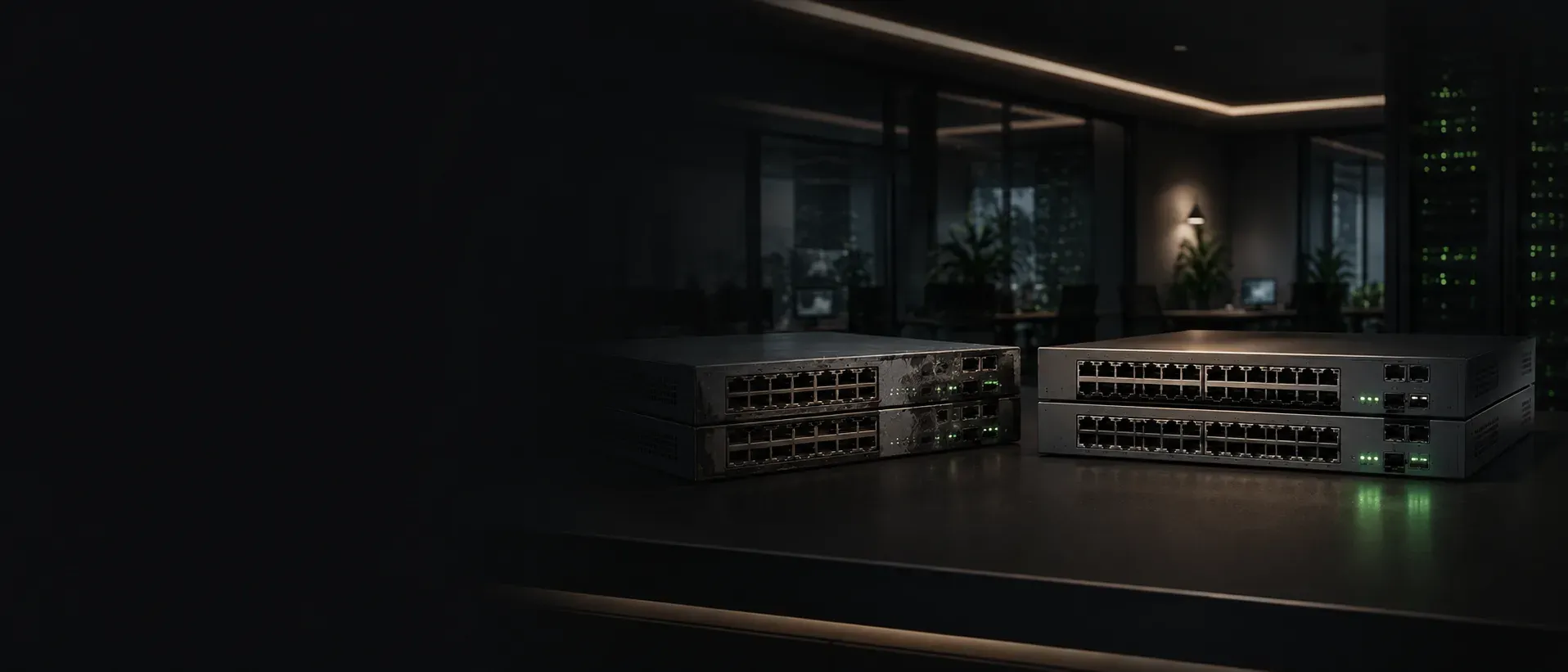
Cosmetic Condition vs. Working Condition
Cosmetic condition describes how refurbished hardware looks. Working condition describes whether it is ready for deployment. Buyers should understand the difference.
Sekatron Market Intel
What is cosmetic condition?
Cosmetic condition describes the visible physical appearance of the equipment.
Common cosmetic issues include:
- Scratches
- Scuffs
- Paint wear
- Sticker residue
- Small dents
- Rack-installation marks
- Worn labels
- Faceplate damage
- Minor discoloration
- Marks around screws or rack ears
These issues may affect how the unit looks without affecting network performance.
A switch with scratches on its top cover may still boot normally, pass traffic on every port and provide stable PoE. In that case, the damage is cosmetic rather than functional.
What is working condition?
Working condition describes whether the hardware performs its intended job.
For a network switch, this includes checks such as:
- Normal boot process
- Clean console output
- Fan operation
- Power-supply recognition
- Data connectivity on physical ports
- PoE delivery where applicable
- Uplink operation
- Module recognition
- Stable operation
- Factory reset
- Absence of obvious hardware faults
A unit should not be considered fully tested simply because it powers on.
A switch can reach the boot screen while still having dead ports, PoE failures, fan problems or damaged uplinks.
Good appearance does not guarantee good hardware
A clean exterior can create a false sense of confidence.
A switch may have:
- Fresh paint
- A polished faceplate
- No visible scratches
- Clean packaging
and still contain a failed port or power issue.
Cosmetic work improves presentation. It does not replace technical testing.
This is why the buyer should ask what functional checks were performed rather than relying only on product photos.
Visible wear does not always mean poor performance
The opposite is also true.
A unit can show normal signs of previous installation and still be technically reliable.
Examples include:
- Scratches on the top cover
- Marks near rack screws
- Minor paint wear
- Light faceplate scuffs
- Small dents away from critical components
These issues may be acceptable when:
- The chassis remains structurally sound
- Ports are not damaged
- Airflow is not obstructed
- Rack mounting is unaffected
- Internal components operate normally
- The condition is disclosed accurately
For equipment installed inside a rack, minor cosmetic wear may have little operational importance.
When cosmetic damage becomes a functional concern
Not every visible defect is harmless.
Physical damage deserves closer attention when it affects:
- Ethernet ports
- SFP or SFP+ cages
- Power connectors
- Power-supply bays
- Fan openings
- Rack ears
- Mounting points
- Buttons
- Displays
- Airflow
- Chassis alignment
A bent faceplate may prevent cables from seating correctly.
A damaged SFP cage may affect module installation.
A severe dent can place pressure on internal components or interfere with airflow.
The location and severity of the damage matter more than the fact that a mark exists.
Faceplate condition matters to buyers
The faceplate is one of the most visible parts of a network switch.
It contains the ports, LEDs, labels, buttons and sometimes displays or management interfaces. Damage in this area can affect both appearance and usability.
At Sekatron, faceplate condition receives particular attention during inspection.
Technicians review:
- Port alignment
- LED visibility
- Labels
- Buttons
- Display areas
- Uplink openings
- Scratches and dents
- Signs of impact
- Evidence of previous repair
A faceplate defect should not be dismissed as cosmetic until the surrounding interfaces have been tested.
What cosmetic restoration can include
Refurbishment may include controlled cosmetic work where appropriate.
This can involve:
- Cleaning
- Removing residue
- Replacing damaged external pieces
- Touching up paint
- Correcting minor presentation issues
- Replacing rack ears
- Improving the condition of the faceplate
The purpose is to present the unit professionally and prevent avoidable appearance problems from reaching the buyer.
Cosmetic restoration should never be used to conceal structural damage or substitute for testing.
The finished appearance and the actual technical condition should remain separate parts of the quality process.
How Sekatron evaluates condition
At Sekatron, physical inspection begins when the equipment is received and unpacked.
The unit is reviewed for visible damage, missing components and signs of previous use. Technicians pay attention to the chassis, faceplate, ports, rack-mounting points, power-supply areas and airflow openings.
Functional testing is then performed separately.
Depending on the hardware, this can include:
- Boot and console checks
- Fan and power-supply verification
- Individual data-port testing
- PoE testing with a powered endpoint
- Uplink and module checks
- Factory reset
- Final quality control
A switch is not approved because it looks clean. It must pass the relevant functional checks.
Likewise, a technically working unit with noticeable cosmetic damage should be evaluated and represented according to its actual appearance.
Why accurate listing photos matter
Product photography should help the buyer understand what will arrive.
When a listing uses only generic images, the buyer may not know whether the actual unit has:
- Scratches
- Dents
- Different rack ears
- Missing modules
- Faceplate damage
- Label wear
- Cosmetic restoration
Generic photos can still be useful for model identification, but material cosmetic issues should be disclosed clearly.
The written description and images should not create an expectation that the actual hardware cannot meet.
Cosmetic grades are not universal
Terms such as these are common in the secondary market:
- Grade A
- Grade B
- Excellent
- Very good
- Good
- Seller refurbished
These labels do not always mean the same thing from one seller to another.
One seller’s Grade A unit may allow small scratches. Another may reserve Grade A for equipment that looks almost new.
Buyers should not rely on the grade name alone.
A more useful description explains:
- What visible wear is allowed
- Whether dents are present
- Whether the faceplate has been repaired
- Whether photos show the actual item
- Whether functional testing is separate from cosmetic grading
The grading standard should be defined rather than assumed.
Working condition should include a clear warranty
Testing reduces risk, but it cannot guarantee that hardware will never fail.
That is why the warranty and replacement process matter.
Sekatron provides a one-year warranty beginning on the delivery date.
When a verified product problem occurs:
- Replacement inventory is checked first.
- A replacement is sent when an appropriate unit is available.
- A full refund is provided when a replacement is unavailable.
- Return shipping is covered for verified product-related issues.
This is a Sekatron warranty, not a manufacturer warranty.
Warranty coverage is based on the product’s working condition, not whether the buyer later notices ordinary cosmetic wear that was accurately disclosed.
What buyers should ask before purchasing
Before buying refurbished network equipment, ask:
- Are the product photos of the actual unit?
- How does the seller define the cosmetic grade?
- Are scratches or dents disclosed?
- Is the faceplate damaged?
- Are the rack ears and mounting points intact?
- Does visible damage affect any ports or airflow?
- What functional testing was performed?
- Was every relevant port tested?
- Was the unit factory reset?
- What warranty and replacement process applies?
A clear seller should be able to explain both appearance and performance.
What buyers often overlook
Some buyers reject fully functional hardware because of a small scratch that will disappear inside a rack.
Others accept a visually perfect unit without asking how it was tested.
Both approaches can lead to a poor buying decision.
The right level of cosmetic importance depends on the deployment.
Appearance may matter more when the equipment will be:
- Installed in a visible office
- Used in a demonstration environment
- Resold to another customer
- Presented as part of a premium installation
Function may matter far more when the unit will be:
- Installed in a closed network rack
- Used as an emergency spare
- Deployed in a warehouse
- Installed in a back-office environment
- Used to replace a failed production switch quickly
The buyer should decide what level of appearance is worth paying for.
Final takeaway
A clean switch is not automatically a working switch.
A scratched switch is not automatically a bad switch.
Buyers should evaluate cosmetic condition and working condition separately, then decide which matters most for the intended deployment.
The most trustworthy refurbished hardware is not necessarily the unit with the fewest marks. It is the unit whose appearance is described honestly, whose hardware is tested properly and whose warranty process is clear.
Why it matters
Cosmetic condition and working condition answer different questions.
Cosmetic condition tells the buyer what the hardware looks like. Working condition tells the buyer whether it can perform its intended role.
A strong refurbishment process evaluates both independently. It does not use cleaning to imply technical reliability, and it does not ignore meaningful physical damage simply because the unit passes traffic.
The best purchase is hardware whose condition is represented honestly and whose functional testing matches the demands of the deployment.
Key details
- Cosmetic condition includes
- Scratches · Scuffs · Paint wear · Small dents · Rack marks · Faceplate appearance · Label condition · External cleanliness
- Working condition includes
- Boot and console operation · Fans and power supplies · Data ports · PoE · Uplinks · Modules · Stable operation · Factory reset
- Cosmetic damage becomes more serious when it affects
- Ports · Uplink cages · Airflow · Rack mounting · Power connections · Chassis alignment · Buttons or displays
What buyers should consider
Before selecting a refurbished unit, answer these questions:
Will the equipment be visible after installation?
Is minor cosmetic wear acceptable?
Does any physical damage affect operation or installation?
Was the actual unit photographed?
Is the seller's cosmetic grading standard defined?
What functional testing was performed?
Does the warranty cover verified hardware failures?
Is replacement inventory available?
Does the price reflect both appearance and working condition?
Is the seller accurately separating cosmetic restoration from technical refurbishment?
Sources
- Sekatron refurbishment, inspection, testing and warranty process (first-party)