
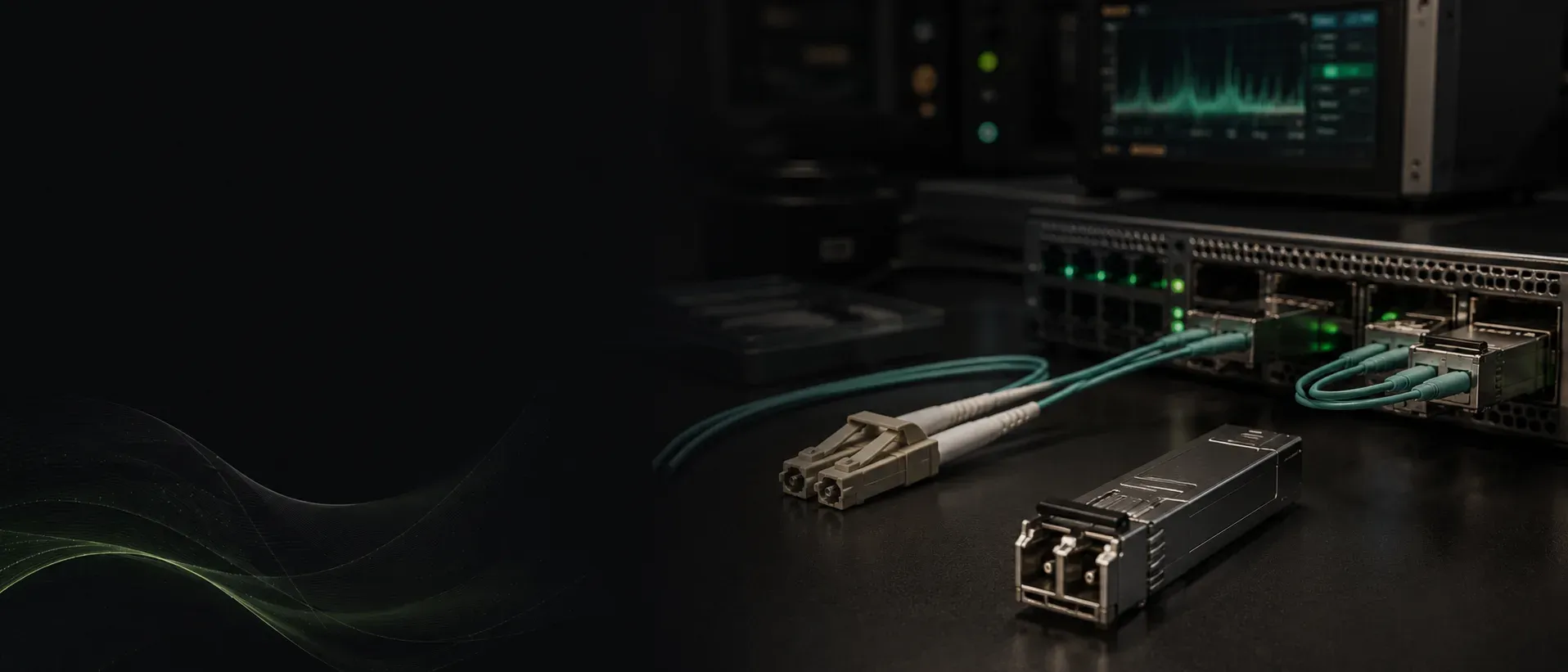
How to Verify a Cisco SFP-10G-SR Transceiver Before Buying
A Cisco SFP-10G-SR should be evaluated for more than appearance. Buyers should confirm the exact part number, intended fiber type, platform compatibility, physical condition, optical diagnostics and live link performance before treating a transceiver as deployment-ready.
Sekatron Market Intel
What is the Cisco SFP-10G-SR?
The Cisco SFP-10G-SR is a hot-swappable SFP+ optical transceiver designed for 10GBASE-SR connections over multimode fiber.
Cisco publishes the following core specifications:
| Specification | Cisco SFP-10G-SR |
|---|---|
| Ethernet standard | 10GBASE-SR |
| Nominal wavelength | 850 nm |
| Fiber type | Multimode fiber |
| Connector | Duplex LC/PC |
| Maximum distance on OM3 | Up to 300 meters |
| Maximum distance on OM4 | Up to 400 meters |
| Form factor | SFP+ |
| Digital Optical Monitoring | Supported |
Cisco states that PC or UPC fiber patch cords are supported for these modules. APC-polished connections are not supported.
The published distances are maximum design values under specified fiber conditions. The performance of an installed link also depends on connector cleanliness, insertion loss, patching quality and the condition of the fiber plant.
Confirm the exact part number
The first step is determining exactly which product is being offered.
Cisco sells several similar-looking short-reach 10 Gigabit Ethernet modules, including:
- SFP-10G-SR
- SFP-10G-SR-S
- SFP-10G-SR-X
- SFP-10G-SR-I
These products share basic 10GBASE-SR characteristics but are not identical in every supported feature, application or operating-temperature range.
A listing that says only “Cisco 10G SR” does not provide enough information.
The following should all refer to the same product identifier:
- Physical module label
- Seller listing
- Platform-reported information
- Test record
- Packing slip or invoice
Any unexplained mismatch deserves further investigation.
Check Cisco platform compatibility
A module fitting physically into an SFP+ port does not guarantee supported operation.
Compatibility can depend on:
- Switch or router model
- Installed network module
- Port type
- Operating-system family
- Software release
- Required port mode
Buyers should use Cisco’s Optics Compatibility Matrix with the exact host platform and transceiver product identifier.
This is particularly important with older Catalyst switches, modular uplink cards, Nexus platforms and equipment running older software.
Avoid broad claims such as “compatible with every Cisco switch.” Cisco compatibility is platform-specific.
Inspect the module physically
Physical inspection cannot prove authenticity or complete functionality, but it can identify obvious problems.
Inspect:
- Duplex LC receptacles
- Pull tab or bail latch
- Metal housing
- Housing alignment
- Printed label
- Product and serial markings
- Signs of corrosion
- Cracks or deformation
- Heavy wear around the optical interface
- Evidence of replaced or layered labels
- Dust or contamination
The optical interfaces should be inspected and cleaned using appropriate fiber-cleaning tools before testing.
Contamination can create excessive loss or an unstable link even when the transceiver itself is functional.
Never look directly into an active optical transmitter.
Review Cisco security indicators
Cisco states that holographic security indicators are present on most Cisco optical transceivers and high-speed cable assemblies.
The module should be reviewed for inconsistencies involving:
- Printing quality
- Font and spacing
- Label alignment
- Product identifiers
- Serial information
- Security indicators
- Housing quality
- Evidence of relabeling
Possible warning signs include poor printing, misspelled words, crooked labels, mismatched product information or a label placed over another label.
Appearance alone is not conclusive proof of authenticity.
A copied label may appear convincing, while a legitimate used Cisco module may show normal cosmetic wear. Visual inspection is one layer of verification, not the final answer.
Read the module information from a Cisco platform
When installed in a compatible Cisco platform, the device can read identification information stored on the transceiver.
Depending on the platform and operating system, the output may include:
- Vendor name
- Product identifier
- Serial number
- Revision
- Wavelength
- Module type
- Supported monitoring information
The platform-reported data should be compared with the physical label and the product represented in the listing.
An unexplained mismatch between the module label and the information reported by the host platform is a serious warning sign.
Platform recognition is useful, but a single CLI command should not be presented as absolute proof that a module is genuine.
Use Cisco Brand Protection when authenticity is uncertain
Cisco provides Brand Protection resources for identifying and reporting suspected counterfeit or non-genuine products.
Cisco states that its Brand Protection team can perform complimentary authenticity verification for Cisco networking devices.
Escalation may be appropriate when:
- A large quantity is being purchased
- Product or serial information is inconsistent
- The source of the equipment is unclear
- Pricing appears unusually low
- Labels or security indicators look suspicious
- Platform-reported data does not match the module
- Procurement requires additional authenticity assurance
A serial number alone should not be treated as proof that the physical module is genuine. Serial information can potentially be copied from another unit.
Review Digital Optical Monitoring
Digital Optical Monitoring, commonly called DOM or DDM, provides operating information reported by the transceiver.
On supported Cisco platforms, available readings may include:
- Transmit optical power
- Receive optical power
- Temperature
- Laser bias current
- Supply voltage
- Warning and alarm thresholds
These readings can help identify:
- Weak received signal
- Abnormal transmit power
- Excessive temperature
- Unusual laser bias current
- Supply-voltage problems
- Values outside reported thresholds
DOM values should be reviewed against the thresholds reported by the platform and the specifications for the module.
DOM is valuable diagnostic information, but it does not replace a working end-to-end link and traffic test.
Perform a live 10 Gigabit Ethernet link test
The strongest functional test is to install the module in supported networking equipment and establish a live 10 Gigabit Ethernet connection using appropriate multimode fiber and a known-good compatible optic at the other end.
The test should confirm:
- The module is recognized
- The interface comes up
- The link operates at 10 Gigabit Ethernet
- Traffic passes in both directions
- The connection remains stable
- Interface counters do not show abnormal errors
- DOM values remain within acceptable limits
A module that is recognized but cannot pass stable traffic should not be considered fully tested.
A brief link light is weaker evidence than sustained bidirectional traffic.
How Sekatron tests SFP-10G-SR modules
At Sekatron, SFP-10G-SR modules are not approved based only on label inspection, switch recognition or a momentary link light.
Each module is installed in compatible networking hardware and tested over a live 10 Gigabit Ethernet connection using appropriate multimode fiber.
The test confirms that the individual module:
- Is recognized by the host platform
- Reports identification information consistent with the product
- Establishes a 10 Gigabit Ethernet link
- Passes traffic in both directions
- Maintains a stable connection during testing
- Does not produce abnormal interface errors
Technicians also review available Digital Optical Monitoring values, including:
- Transmit optical power
- Receive optical power
- Temperature
- Laser bias current
- Supply voltage
DOM readings are evaluated alongside link status, traffic results and interface counters. This helps identify abnormal optical behavior that may not be visible from a label or basic recognition test.
Sekatron’s process is designed to answer three separate questions:
- Does the module identify correctly?
- Is it compatible with the test platform?
- Does the individual unit establish and maintain a working 10 Gigabit Ethernet link?
A module is not treated as deployment-ready simply because a switch detects it.
Sekatron testing confirms functional performance. It should not be described as Cisco manufacturer certification or as a substitute for Cisco Brand Protection verification when authenticity remains uncertain.
Use the correct fiber and connector
The SFP-10G-SR is designed for 850 nm operation over multimode fiber.
Common modern installations use OM3 or OM4 multimode fiber with duplex LC connectors.
Cisco’s published maximum distances are:
- Up to 300 meters over OM3
- Up to 400 meters over OM4
The module uses duplex LC/PC connectivity. Cisco supports PC or UPC patch cords for this application, while APC connections are not supported.
The wrong fiber type, contaminated connectors, excessive optical loss or an incompatible connector polish can cause a failed or unreliable link even when both transceivers are functional.
Genuine, compatible and working are different questions
These terms should not be used interchangeably.
Genuine
The module was manufactured by Cisco or with Cisco’s authorization.
Compatible
The module is supported for use with the intended host platform, network module and software environment.
Working
The individual module establishes a stable link and passes traffic.
A module may be genuine but unsupported on a particular platform.
A module may be recognized but have degraded optical performance.
A third-party compatible module may operate technically but should not be represented as a genuine Cisco product.
Each question should be evaluated separately.
Used and refurbished do not mean counterfeit
A genuine used Cisco SFP-10G-SR may have been removed from a working environment and later inspected, cleaned and tested for resale.
Its used condition does not make it counterfeit.
The relevant questions are:
- Is the product represented accurately?
- Does the physical identity match the platform output?
- Is it supported by the buyer’s equipment?
- Does it establish a stable 10 Gigabit Ethernet link?
- Does it pass bidirectional traffic?
- Are its DOM readings acceptable?
- What warranty or replacement policy applies?
For optical modules, “refurbished” should describe the inspection, cleaning and testing process. It should not imply that the module has been restored to manufacturer-new status.
What buyers should ask the seller
Before purchasing a Cisco SFP-10G-SR, ask:
- Is the product represented as genuine Cisco or third-party compatible?
- What is the exact product identifier?
- Was the module information read from a Cisco platform?
- Was the physical serial number compared with the platform output?
- Was the module tested in compatible networking hardware?
- Did it establish a stable 10 Gigabit Ethernet link?
- Was bidirectional traffic passed through the link?
- Were DOM readings reviewed?
- Were interface counters checked for errors?
- Were the LC interfaces inspected and cleaned?
- What warranty or replacement policy applies?
A listing that says only “tested working” leaves important questions unanswered.
What buyers often overlook
The most common mistake is focusing only on whether the switch recognizes the module.
Recognition alone does not confirm:
- Correct platform support
- Clean optical interfaces
- Acceptable receive power
- Stable bidirectional traffic
- Genuine Cisco origin
- Remaining reliability
Buyers also sometimes choose an SFP-10G-SR for a connection that requires single-mode fiber or a longer reach.
The correct transceiver choice should begin with the installed fiber, required distance, host platform and Cisco compatibility — not simply the price of the optic.
Final takeaway
A Cisco SFP-10G-SR should not be approved based only on its label, appearance, platform recognition or a link light.
The module should match the intended host platform, report consistent identification information and maintain a stable 10 Gigabit Ethernet connection over the correct multimode fiber.
When authenticity remains uncertain, Cisco Brand Protection should be used rather than relying on appearance alone.
Why it matters
A failed or unstable optical transceiver can cause intermittent links, interface errors, deployment delays and difficult troubleshooting.
Because optical modules are small and easily exchanged, their identity and condition can be harder to evaluate than a full switch or router.
A stronger verification process combines exact product-identifier confirmation, Cisco compatibility research, physical inspection, platform identification, DOM review, stable 10 Gigabit Ethernet traffic testing, and a clear seller warranty.
No single label, hologram, serial number or CLI command should carry the entire decision.
Key details
- Cisco SFP-10G-SR basics
- 10GBASE-SR · 850 nm · Multimode fiber · Duplex LC/PC · Up to 300 m on OM3 · Up to 400 m on OM4 · Digital Optical Monitoring supported
- General verification steps
- Confirm the exact product identifier · Check Cisco platform compatibility · Inspect labels and physical condition · Review security indicators · Compare platform-reported information · Review DOM readings · Establish a stable 10 GbE link · Pass bidirectional traffic
- Sekatron testing includes
- Compatible-platform recognition · Physical and platform identity comparison · Live 10 GbE link testing · Bidirectional traffic verification · DOM value review · Interface-counter review · Stability testing before resale
What buyers should consider
Before purchasing an SFP-10G-SR, answer these questions:
Is the optic intended for multimode fiber?
Is the required distance within the supported range?
Is the exact PID supported by the destination platform?
Does the module identity match across the label and host output?
Was DOM information reviewed?
Was a stable 10 Gigabit Ethernet link established?
Was bidirectional traffic passed?
Were interface errors checked?
Is the unit represented accurately as genuine Cisco or compatible?
What warranty applies if the module fails?
Sources
- Cisco 10GBASE SFP+ Modules Data Sheet(opens in a new tab)Primary source
- Cisco Optics Compatibility Matrix(opens in a new tab)Primary source
- Cisco Optics Compatibility Matrix User Manual(opens in a new tab)Primary source
- Cisco Brand Protection(opens in a new tab)Primary source
- Cisco SFP and SFP+ Transceiver Module Installation Notes(opens in a new tab)Primary source